Single sign-on with SAML
Your team signs in to Trove through your company's identity provider.
- Sign in to Trove with Entra ID, Okta or Google Workspace
- SAML 2.0 and OIDC
- Access ends when someone leaves
- Microsoft Entra ID
- Okta
- Google Workspace
- Any SAML or OIDC provider
Trusted by finance teams around the world







How single sign-on works in Trove
-
1
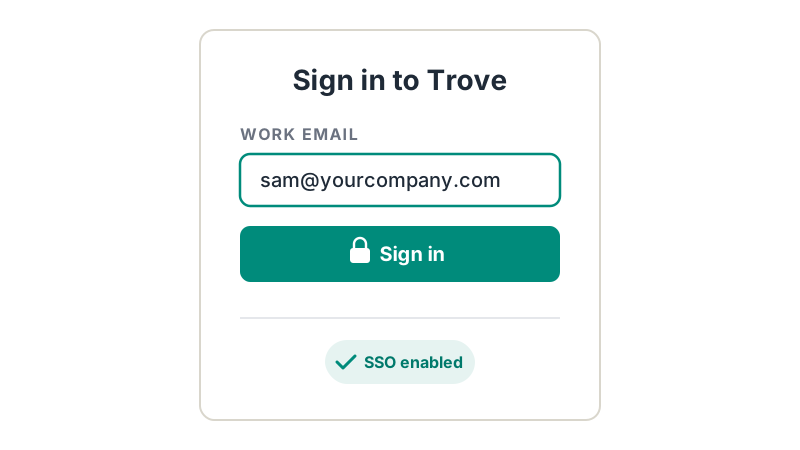
Sign in with your company's identity provider
Connect Trove to Microsoft Entra ID, Okta, Google Workspace or any other provider that supports SAML 2.0 or OIDC.
-
2
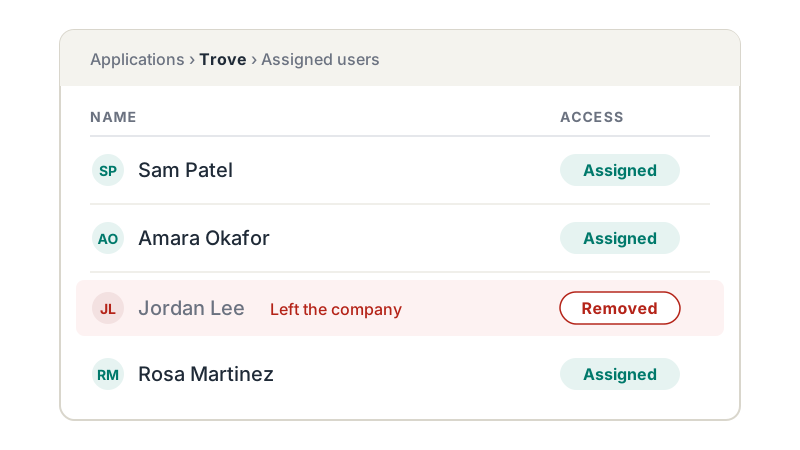
Access managed in one place
Your IT team controls who can get into Trove from the identity provider they already run, so there's no separate list of Trove logins to keep track of.
-
3
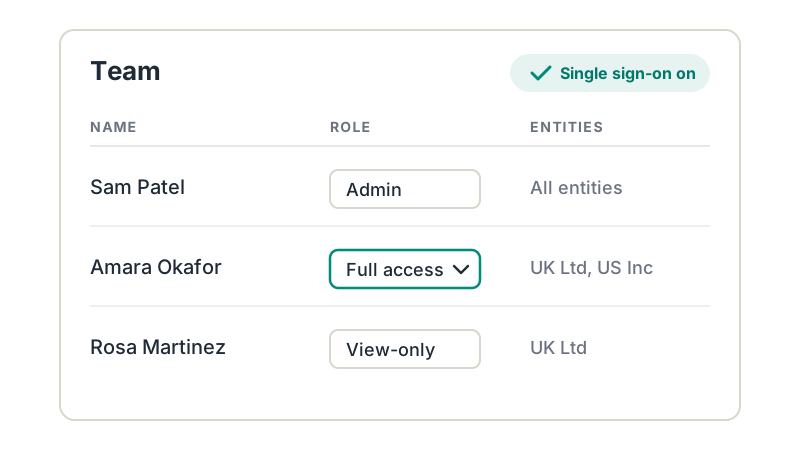
Works with your roles and permissions
Single sign-on decides who can get in. Roles and permissions in Trove decide what each person can do once they're there, such as view-only access, sending emails or which entities they see.
Together, they give your security team the control they expect from any finance system.
Single sign-on and SAML: common questions
Everything you need to know
Does Trove support single sign-on?
Yes. SAML and OIDC single sign-on is on the Advanced plan. Your team signs in to Trove through your company's identity provider.
Which identity providers does Trove work with?
Microsoft Entra ID (formerly Azure AD), Okta and Google Workspace, plus any other provider that supports SAML 2.0 or OIDC.
Can I sign in with my Google or Microsoft account without SSO?
Yes. Anyone on any Trove plan can sign in with their Google or Microsoft account. SAML single sign-on through your company's identity provider is on the Advanced plan.
What happens when someone leaves the company?
Remove them in your identity provider and they can no longer sign in to Trove.
Do roles and permissions still apply with single sign-on?
Yes. Single sign-on controls who can sign in, and roles and permissions in Trove control what each person can do.
Related features
-
Team approvals
Control who can view, send or change what, with approvals for everything else and every decision logged.
-
Multi-entity support
Every company in your group under one login, with each brand chasing on its own.
-
ERP integrations
Two-way sync with Xero, QuickBooks, FreeAgent, Stripe, Business Central, Sage and NetSuite.
See it working on your own customers
See single sign-on and SAML in action.
Single sign-on is included on the Advanced plan.
Last updated