Send from your own email
Send every reminder from your Gmail, Outlook or your own domain.
- Trove sends reminders from your Gmail, Outlook or via DNS.
- Customers' replies come straight back to your inbox.
- Add unlimited sending addresses so emails always come from the right person.
-
 Gmail
Gmail -
 Outlook
 - Your domain, via DNS
Trusted by finance teams around the world





“The % of customers that pay on chased invoices is outstanding and pays the monthly subscription cost 10 times over.”
Dan Waite
Finance Director

How sending from your own email works in Trove
-
1
Chasers from your email not a no-reply address
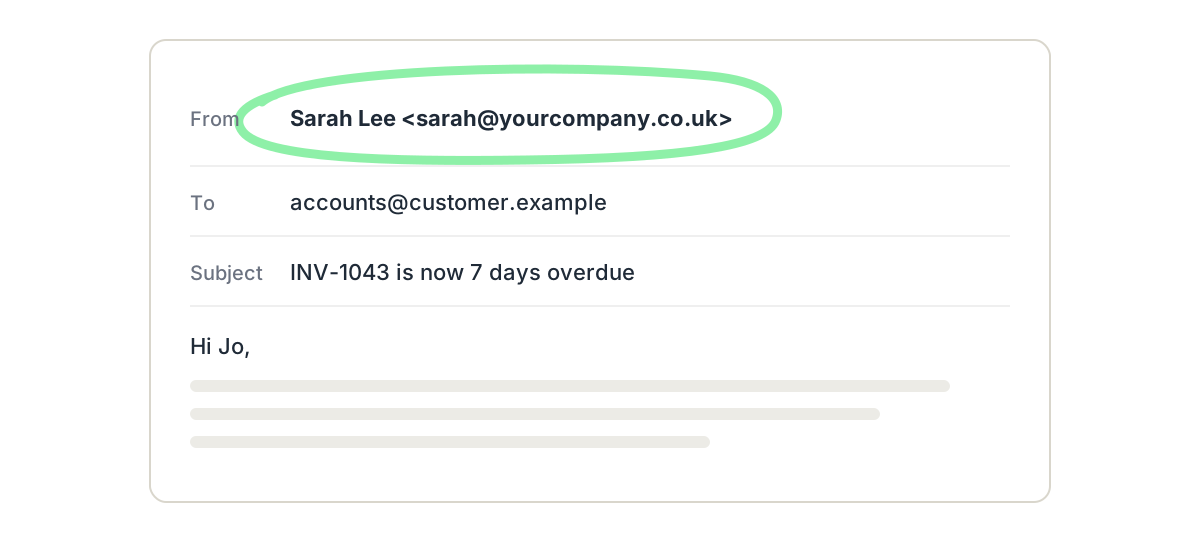
Connect your Gmail or Outlook account and every Trove reminder goes from your own address, with your signature.
When a customer replies, it comes straight back to you and Trove processes it so nothing gets lost.
-
2
The right sender at every stage
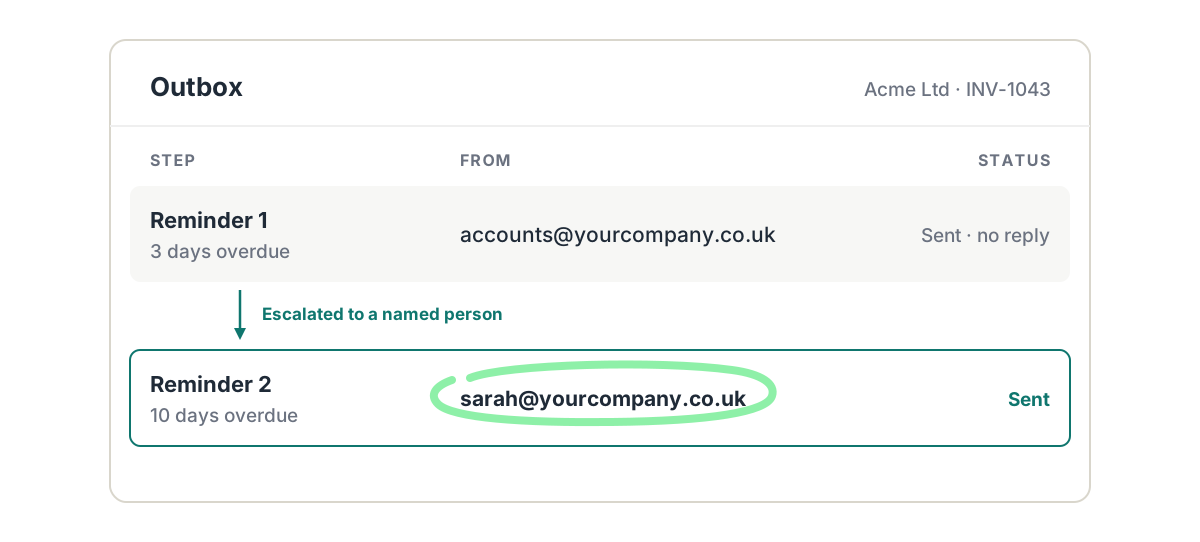
Have Trove start chasing from a shared address like finance@, then switch to a named person, if the customer doesn't respond. Copy in colleagues or account managers wherever they need to see the chase.
-
3
Quick for your IT team to approve
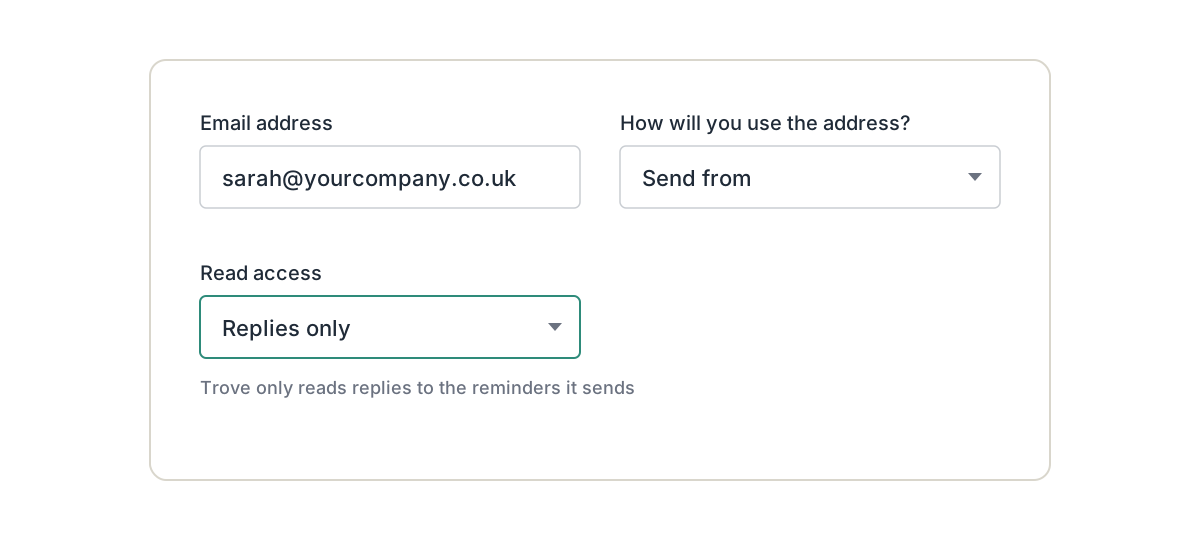
Gmail usually connects in one click. Outlook sometimes needs your IT admin to approve Trove. On another email provider? Authorise your domain instead by adding a few DNS records.
Resources on send from a custom domain
- Setup
How to grant Trove secure permissions to access an Outlook mailbox
How Microsoft IT admins can grant Trove permission to connect to a Microsoft 365 (Outlook) mailbox.
Read now - Deliverability
Why Xero invoice reminders go to spam and how to fix it
Xero sends invoice reminders from @xero.com which can get spam filtered. We compare 3 tools that fix the problem.
Read now - Xero credit control
How to change who Xero invoice reminder replies go to
Replies can keep landing with someone who's left or no longer chases invoices. How to change the reply-to address, and the one-per-org limit you're left with.
Read now - Integrations
Best credit control software for Xero + Outlook + Microsoft Teams (2026)
Finance teams embedded in Microsoft need tools that integrate with Outlook and Teams. Here's which credit control tools connect Xero, Outlook and Teams.
Read now - Integrations
Best credit control software for Xero + Gmail + Slack (2026)
Chasing unpaid invoices from Gmail with Slack notifications? Here's which credit control tools connect Xero, Gmail and Slack, and how they compare.
Read now
Setting it up? send reminders from your own email address in the help centre.
Send from a custom domain: common questions
Everything you need to know
Which email providers does Trove work with?
Trove connects directly to Gmail and Microsoft 365 or Outlook. If you use another provider, you can authorise your own domain with a few DNS records, and Trove sends from your address that way.
Do reminders appear in my sent folder?
Yes. Reminders go from your own address and show up in your sent folder, so you can see exactly what each customer received.
Do customer replies come back to me?
Yes. Replies go to your inbox as normal, and Trove reads replies to its reminders so it can log payment dates and draft your response.
Does my IT team need to approve the connection?
Gmail usually connects in one click. Outlook sometimes needs an IT admin to approve Trove first, and Trove has a short guide you can send them.
Can different teams or entities send from different addresses?
Yes. There's no limit on sending addresses, so each team or entity can chase from its own. You can also start from a shared address and switch to a named person later in the sequence.
Which Trove plans include sending from your own email?
Sending from your own email address is included on every Trove plan, from Essential up.
Related features
-
Personalised emails
Tailored reminder emails and statements, written with AI and worded differently every time.
-
AI Reply Agent
Reads customer replies, logs promised payment dates and drafts your response for you to approve.
-
Multi-entity support
Every company in your group under one login, with each brand chasing on its own.
See it working on your own customers
See send from a custom domain in action.
Last updated